
Go to All Pages > ALL Auction Items > Auction Items
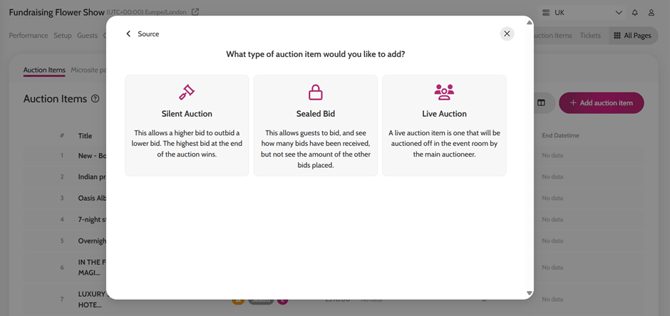
- Click on Add auction item > Create a new item > Select Bidding Mode
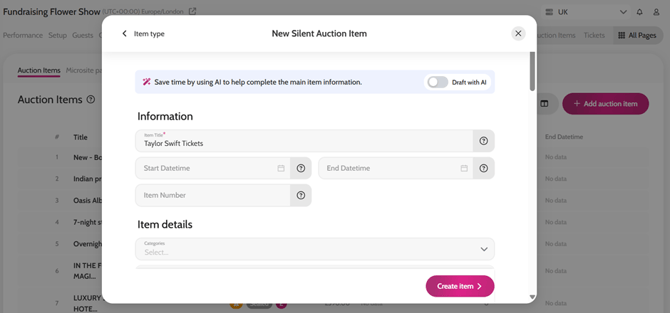
- Complete all the relevant fields. Remember, for item Title / Description / Categories, you can Draft with AI by enabling the toggle.
- Click Create Item
Creating a new auction item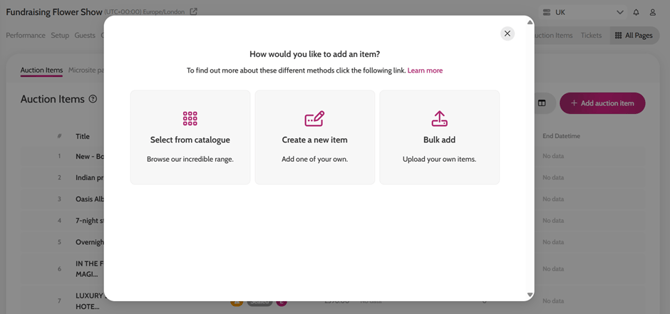
Video instructions