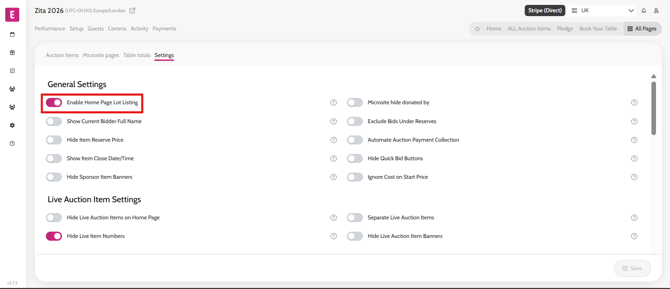
Adding/removing all items on home page To add or take away auction items to the home page, follow these steps. Go All Pages > All Auction items Select the Settings subtab Turn on/off the Enable Home Page Lot Listing toggle Click Save Video instructions