
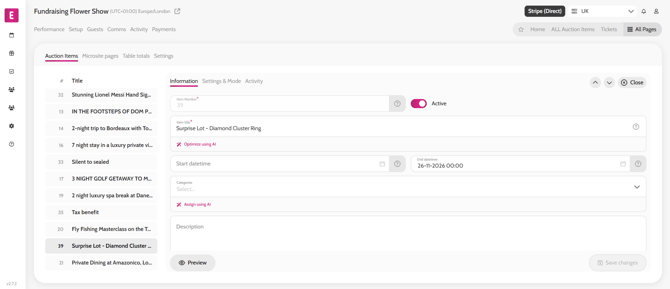
- Go to All Pages > All Auction Items
- Click on the item you wish to edit
- Amend the information needed
- Click Save
*Note that the start price and lot number cannot be edited once there is a bid on the item
**Note that when editing an Emma item, the cost price, title, description, terms or e-voucher settings cannot be edited
Editing an item
Video instructions