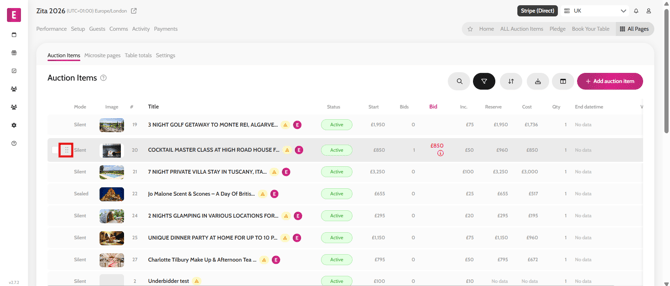
Reordering Auction Items To change the order of auction items on the home page/leaderboard/auction page follow the steps below. Go to All Pages > All Auction Items Hover to the left side of the item Drag and drop the item in the order required Repeat on the other items required Refresh the microsite to see the new order Video instructions